AI IDE vs Chatbot: Which Is Better for Coding in 2026

AI IDE vs. Chatbot: Which AI Coding Assistant Should You Choose in 2026
The landscape of software development has shifted. In 2026, the question is no longer “Should I use AI?” but rather “Where should my AI live?”
As developers, we find ourselves at a crossroads between two distinct philosophies: the AI-Native Integrated Development Environment (IDE) and the General-Purpose AI Chatbot. While one lives inside your workflow, the other acts as an external brain. Choosing the wrong one can lead to “vibe coding” errors, context drift, and a massive hit to your deployment velocity.
In this comprehensive guide, we’ll break down the AI IDE vs. Chatbot debate to help you determine which tool will actually move the needle for your 2026 stack.
What is an AI Chatbot for Coding?
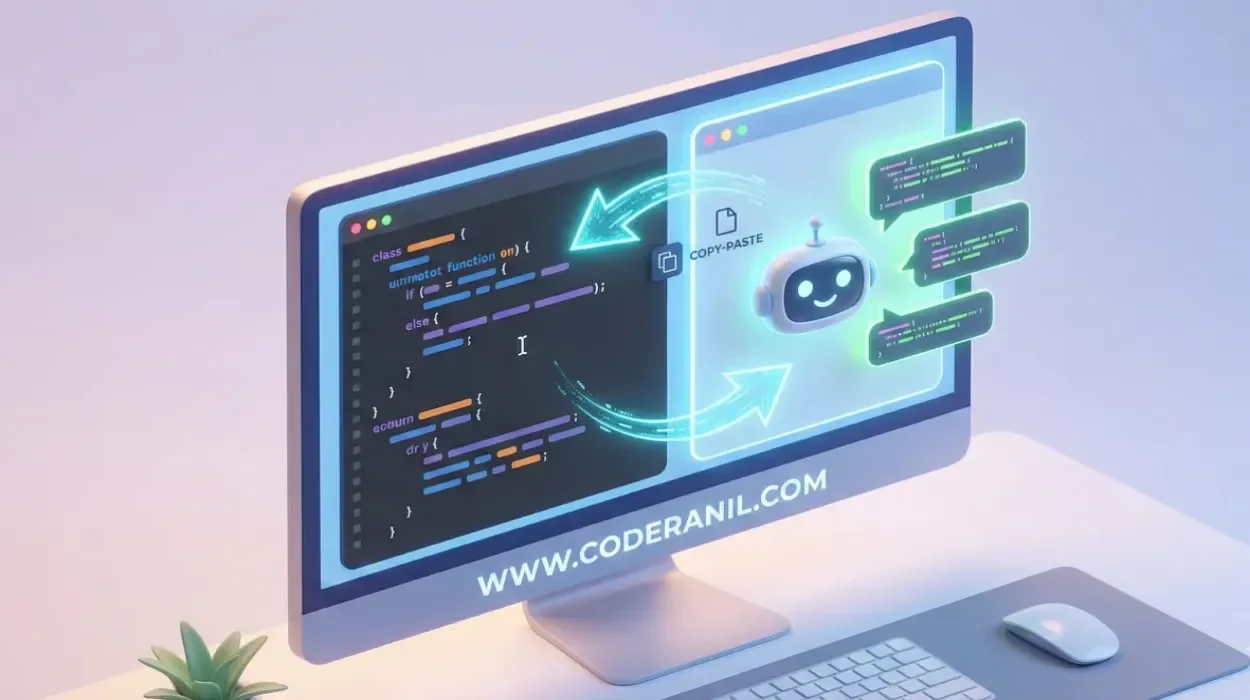
An AI chatbot is a standalone conversational interface powered by a Large Language Model (LLM). In a development context, you copy snippets of code, paste them into the chat, and ask for refactoring, debugging help, or architectural advice.
The Heavy Hitters
- ChatGPT (GPT-5.1): The gold standard for general-purpose reasoning and “Deep Research” modes.
- Claude (Opus 4.5): Widely preferred by developers for its superior “coding brain” and nuanced understanding of complex logic.
- Google Gemini: Known for its massive context window, allowing you to upload entire documentation PDFs or large zip files of code.
Pros and Cons
Pros:
- Broader Reasoning: Chatbots often handle high-level architectural questions better than IDE autocompletes.
- Tool Versatility: Can generate images for UI mockups, search the live web for documentation, or write blog posts about your code.
- Zero Integration Friction: You don’t need to install specific plugins; if you have a browser, you have a coding partner.
Cons:
The “Context Tax”: You must manually copy-paste code back and forth, which leads to outdated snippets and “hallucinated” fixes.
Lack of Project Awareness: Unless you upload every file, the chatbot doesn’t know about your global variables or project structure.
What is an AI IDE
An AI IDE is a code editor where artificial intelligence is baked into the core experience—not just as a sidebar, but as an agent that can see your entire repository, run terminal commands, and edit multiple files simultaneously.
The Market Leaders
- Cursor: Currently the most popular AI-native fork of VS Code, featuring “Composer” for multi-file edits.
- GitHub Copilot (Agent Mode): The pragmatic choice for “Microsoft shops,” integrated deeply into the VS Code ecosystem.
- Windsurf: A newer “agentic” IDE that uses “Flows” to synchronize developer intent with autonomous actions.
Pros and Cons
Pros:
- Deep Context Awareness: It “reads” your entire folder structure, indexing your code to provide hyper-relevant suggestions.
- One-Click Execution: It can suggest a fix and, with your permission, apply it across five different files and run the tests.
- Reduced Context Switching: You never leave your editor, keeping you in the “flow state” longer.
Cons:
- Privacy Concerns: Indexing an entire local codebase can be a dealbreaker for some enterprise security policies.
- Learning Curve: Mastering features like “Agent Mode” or “MCP (Model Context Protocol)” integrations takes time.
Head-to-Head Comparison: AI IDE vs. Chatbot
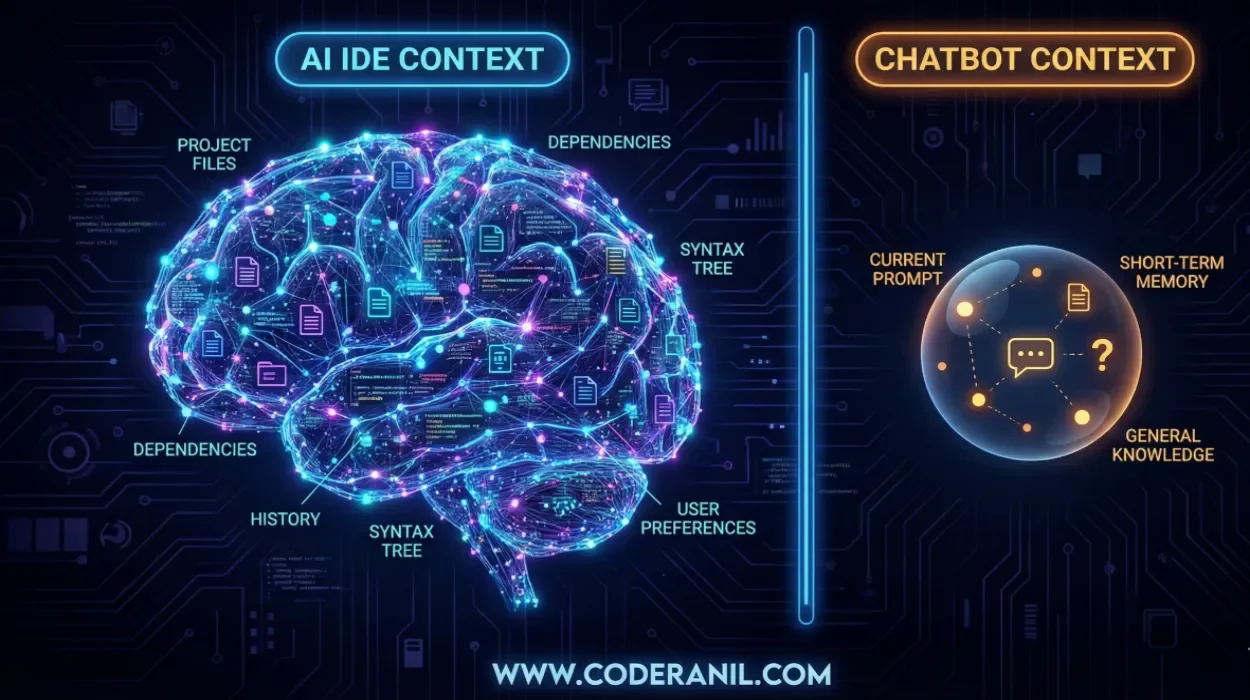
To settle the AI IDE vs. Chatbot debate, let’s look at the metrics that actually matter in a 2026 development cycle.
| Feature | AI Chatbot (e.g., Claude, ChatGPT) | AI IDE (e.g., Cursor, Windsurf) |
| Context Awareness | Manual (User must provide context) | Automatic (Indexes entire local repo) |
| Workflow Integration | External (Requires switching tabs) | Native (Lives inside the editor) |
| Debugging Speed | Moderate (Explains errors well) | High (Can fix and run code in terminal) |
| Multi-file Edits | Hard (Must copy-paste each file) | Seamless (Can refactor entire folders) |
| Learning Curve | Low (Natural language) | Moderate (Requires mastering IDE shortcuts) |
| Best For | Learning, Architecture, & Brainstorming | Shipping Features & Refactoring |
Which One Should You Choose

The “correct” choice depends on your specific role and the task at hand. In 2026, most elite developers actually use a hybrid approach.
Choose an AI Chatbot if:
- You are a Beginner: Chatbots are incredible tutors. They explain the why behind the code in a way that an IDE’s autocomplete won’t.
- You are Brainstorming: If you are deciding between a SQL or NoSQL architecture, a chatbot’s broad knowledge base is superior.
- You are Learning a New Language: Chatbots excel at translating concepts from one syntax to another.
Choose an AI IDE if:
- You are a Senior Developer: You already know the logic; you just want to move faster. The AI IDE removes the “toil” of boilerplate and imports.
- You are Working on Large Codebases: When a change in
auth.tsaffectsuserController.tsandapi.test.ts, only an AI IDE can handle that dependency chain. - You Value Velocity: If your goal is to “ship” as many features as possible, the integrated agentic nature of tools like Cursor is unbeatable.
Conclusion: The Future is Agentic

The line between AI IDE vs. Chatbot is blurring. Chatbots are gaining “Project” features that allow them to remember context, while IDEs are incorporating “Chat” windows that rival standalone LLMs.
By 2027, we likely won’t distinguish between the two. We will simply have AI Agents that reside in our terminal, editor, and browser simultaneously. For now, if you want to maximize your productivity, use an AI IDE for your daily “shipping” and keep a Chatbot open for high-level strategy and complex troubleshooting.
FAQs
For actual implementation, yes. Cursor has access to your local files and can apply changes directly. However, ChatGPT (especially with GPT-5.1) often has better general reasoning for explaining complex abstract concepts.
Absolutely. 2026 has shown that “AI-generated code churn” (code that needs to be reverted) is at an all-time high. You need to be the “architect” who can audit and verify the AI’s output, or you’ll spend more time debugging than building.
Yes! Many developers use GitHub Copilot in their IDE for ghost-text completions while using Claude in a browser for deep refactoring or planning.
Most major AI IDEs (Cursor, Copilot, Windsurf) offer “Enterprise” tiers with SOC2 compliance and “no-train” policies, meaning your code is never used to train their future models. Always check your company’s AI policy before indexing a private repo.
Yes! Many developers use GitHub Copilot in their IDE for ghost-text completions while using Claude in a browser for deep refactoring or planning.