Google Antigravity IDE: The 2026 Guide to Agentic Development

The year 2024 was the era of the “Copilot.” Developers were amazed by ghost-text suggestions and chat interfaces that could generate a function on command. But as we moved into 2025 and now 2026, the industry has undergone a fundamental shift. We have moved past passive assistants and into the era of autonomous software development.
Leading this revolution is the Google Antigravity IDE, a platform that doesn’t just help you code—it builds for you. Built on the foundational power of Gemini 3 Pro coding capabilities, Antigravity represents the world’s first true agentic development platform.
In this guide, we’ll explore how Google has forked the VS Code ecosystem to create an environment where the developer transitions from a “coder” to an “architect,” managing a fleet of intelligent agents to do the heavy lifting.
What is Google Antigravity IDE
At its core, Google Antigravity IDE is a heavily modified fork of Visual Studio Code, optimized from the ground up for an agentic workflow. Unlike traditional IDEs that treat AI as a plugin, Antigravity treats the AI agent as a first-class citizen with its own system permissions, browser access, and terminal control.
Powered primarily by Gemini 3.1 Pro, the IDE is designed to handle complex, multi-step engineering tasks—like refactoring an entire microservice or migrating a legacy database—without constant human hand-holding.
Key Feature Breakdown: The Bifurcated UI
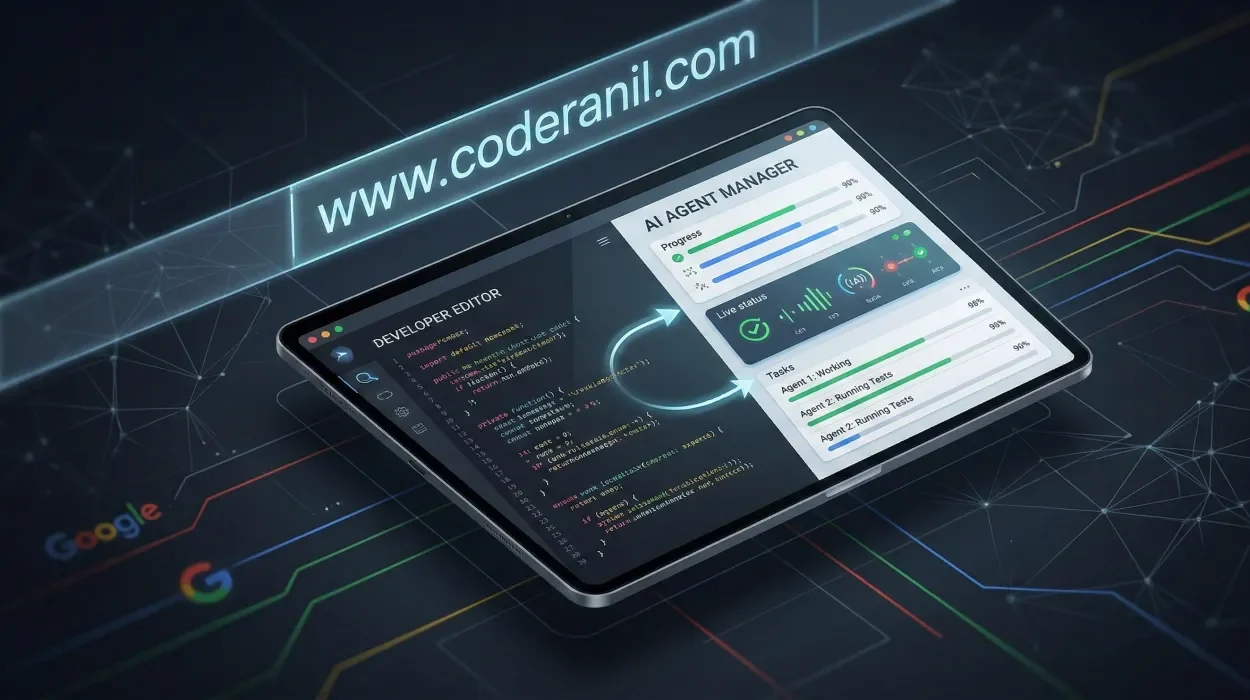
- The most jarring (and revolutionary) change in Antigravity is its interface. Google has introduced a Bifurcated UI, splitting the experience into two distinct modes that you can toggle with
Cmd + E.
The Editor View
This is the familiar VS Code environment. It’s where you go when you want to get your hands dirty with the syntax. However, even here, the experience is different. The “Agent Sidebar” is always active, tracking your intent and ready to take over a file if you hit a wall.
The Agent Manager View
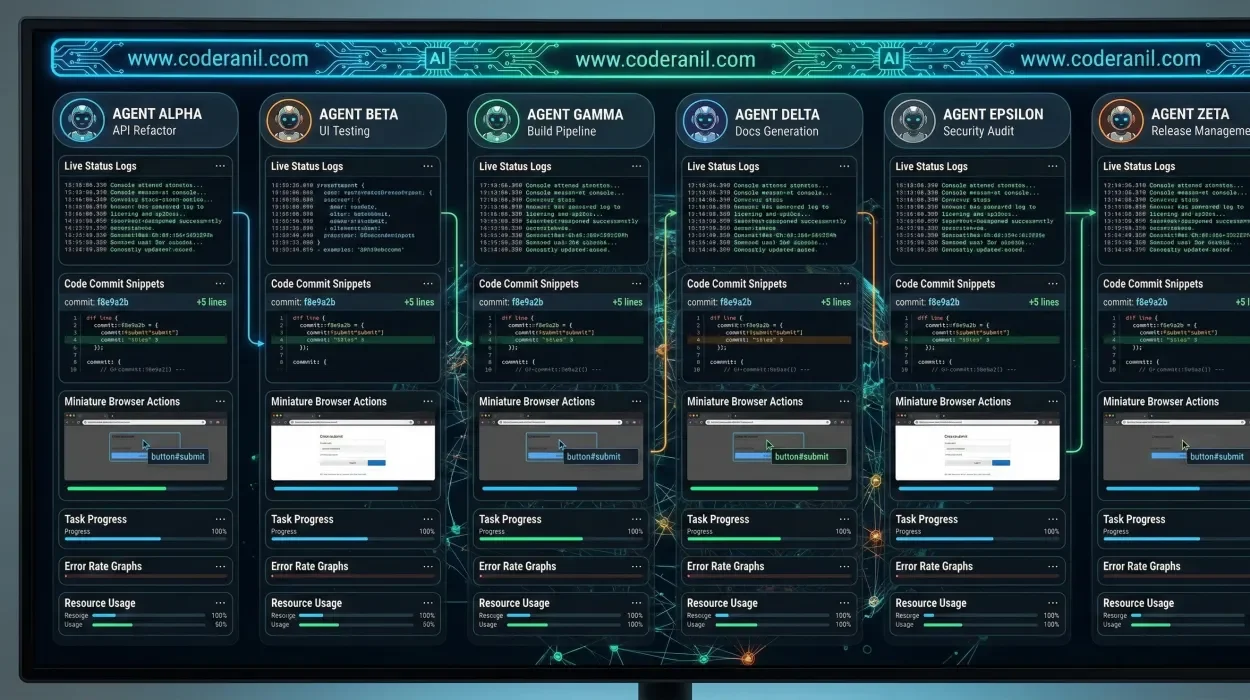
This is the “Mission Control” of the platform. Instead of a file tree, you are presented with the AI Agent Manager. Here, you can spawn multiple agents to work on different branches or tasks simultaneously. You can see their “thoughts,” their current progress, and the Artifacts they are generating.
Expert Insight: The Agent Manager is where senior developers now spend 70% of their time. It’s about orchestration, not typing.
The Agentic Workflow: Plan -> Execute -> Verify
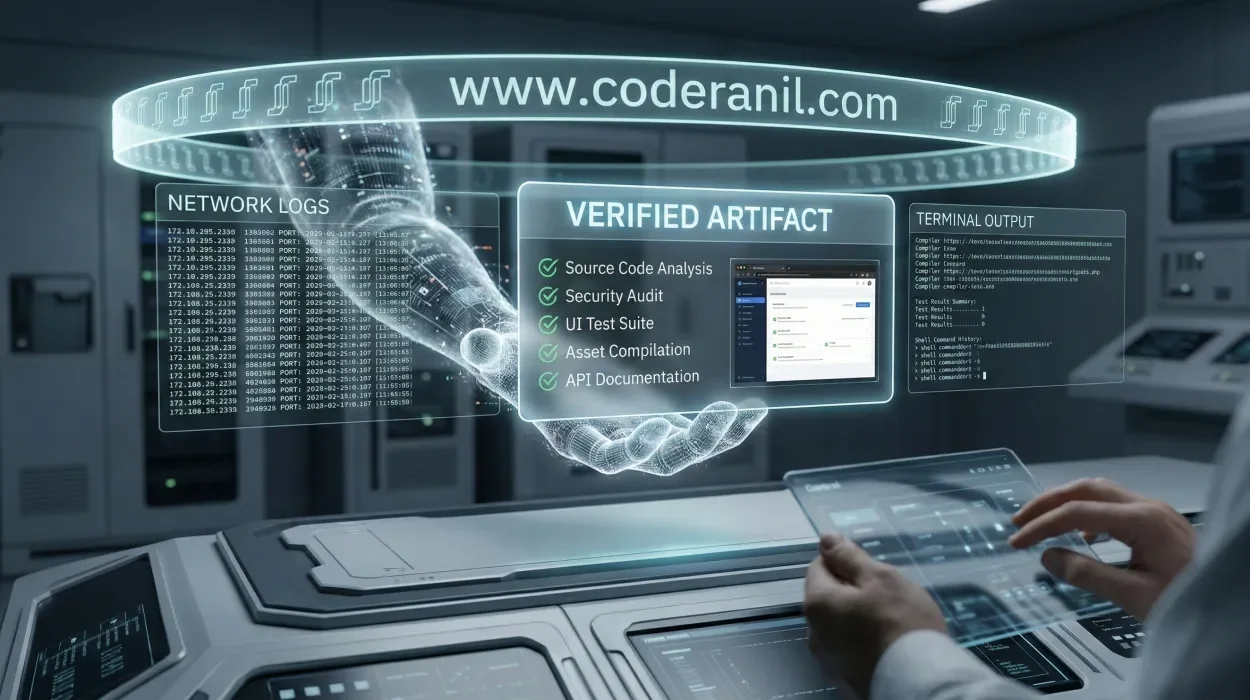
The magic of Google Antigravity IDE lies in its “Plan -> Execute -> Verify” cycle. This isn’t just a marketing slogan; it’s a hard-coded procedural gate that ensures code quality.
Phase 1: Planning
When you give a prompt in Planning Mode, the IDE doesn’t write code immediately. Instead, it generates an Implementation Plan. This is a document that outlines the tech stack, the architectural changes, and the files that will be modified.
Phase 2: Autonomous Execution
Once you approve the plan, the agent moves into execution. Using terminal sandboxing for safety, it can install dependencies, run build commands, and even use an integrated browser to check documentation or test a UI component.
Phase 3: Artifact-Based Verification
This is the killer feature. To build trust, agents produce Artifacts. These are verifiable pieces of “proof of work” that include:
- Step-by-step task lists (Checkmarked as they complete).
- Browser recordings (Showing the agent testing the feature in a headless browser).
- Screenshots (Visual confirmation of UI changes).
- Test logs (Automated results from Vitest or Playwright).
Model Optionality: Beyond Gemini
While Antigravity is optimized for the Google ecosystem, it acknowledges the reality of the 2026 AI landscape. The platform supports Model Optionality, allowing you to swap the underlying “brain” depending on the task:
- Gemini 3.1 Pro: The default, high-reasoning engine for complex architecture.
- Claude Sonnet 4.6: Often preferred for front-end “vibe coding” and CSS precision.
- GPT-OSS: The open-source variant used for air-gapped or privacy-sensitive enterprise environments.
Google Antigravity vs. Cursor vs. Windsurf
How does Google’s powerhouse stack up against the other dominant players in 2026?
| Feature | Google Antigravity | Cursor (2026) | Windsurf |
| Core Philosophy | Agent-First Orchestration | AI-Augmented Editing | Flow-Based Development |
| Autonomy Level | High (Multi-Agent) | Medium (Pair Programmer) | Medium (Context-Aware) |
| Verification | Artifact-based verification | Manual Diff Review | Real-time Previews |
| Browser Access | Native / Autonomous | Extension-based | Limited |
| Best For | Large-scale refactoring | Rapid Prototyping | Enterprise Monorepos |
Developer Experience: Fast Mode vs. Planning Mode

Antigravity offers two distinct speeds for development:
Fast Mode
- Similar to the “Composer” mode in older IDEs, Fast Mode is for quick fixes. You highlight a block of code, describe the change, and the agent applies it instantly. It skips the heavy planning phase to keep you in the “flow.”
Planning Mode
- This is for the heavy lifting. If you say, “Implement a new Stripe checkout flow with webhooks and error handling,” you use Planning Mode. The IDE creates a sandbox, researches the latest Stripe API via its internal browser, and presents you with a comprehensive blueprint before a single line of code is committed.
Safety First: Terminal Sandboxing
One of the biggest fears in autonomous software development is an AI agent running a rm -rf / or leaking environment variables. Google addresses this with Terminal Sandboxing.
By default, every agent operates in a containerized terminal environment. You can set permissions to “Off” (Never execute), “Auto” (Agent decides and asks), or “Turbo” (Always execute within a whitelist).
Pros & Cons of Google Antigravity in 2026
Pros
- Massive Throughput: Manage 5+ agents working on different features at once.
- Deep Integration: Native access to Google Cloud, Firebase, and Android Studio internals.
- Trustability: Artifacts make it easy to see why an agent made a decision.
- Context Window: Gemini 3 Pro’s 2M+ token window means it literally never forgets your architecture.
Cons
- Resource Heavy: Requires significant RAM and a stable high-speed connection for the multimodal feedback loops.
- Quota Issues: Even in 2026, the cost of high-reasoning tokens means you can hit limits on the free tier quickly.
- Stability: As a “fork of a fork,” certain legacy VS Code extensions can occasionally conflict with the Bifurcated UI.
- No JetBrains Support: Currently exclusive to the VS Code ecosystem.
Final Thoughts: The Architect Era

Google Antigravity IDE isn’t just a new tool; it’s a new career path. In the coming years, the most successful developers won’t be those who can type the fastest, but those who can orchestrate agents most effectively.
By mastering the AI Agent Manager and learning to audit Artifacts, you are future-proofing your career against the total automation of “syntax-only” roles.
FAQ: Google Antigravity IDE
Google currently offers a generous “Preview” tier that includes free access to Gemini 3 Flash. High-tier models like Gemini 3.1 Pro require a Google Cloud or Gemini Advanced subscription.
Yes. Since it is a fork of VS Code, 99% of extensions are compatible. However, some UI-heavy extensions may need updates to work within the Agent Manager View.
The agent generates a folder of “proof” for every task. This includes log files, screenshots of the UI, and a video of the agent interacting with your app to prove the feature works as intended.
Yes. Google Antigravity supports a “Bring Your Own Key” (BYOK) model for Anthropic and Open AI models, though the native Gemini integration is significantly faster.
Yes! Many developers use GitHub Copilot in their IDE for ghost-text completions while using Claude in a browser for deep refactoring or planning.